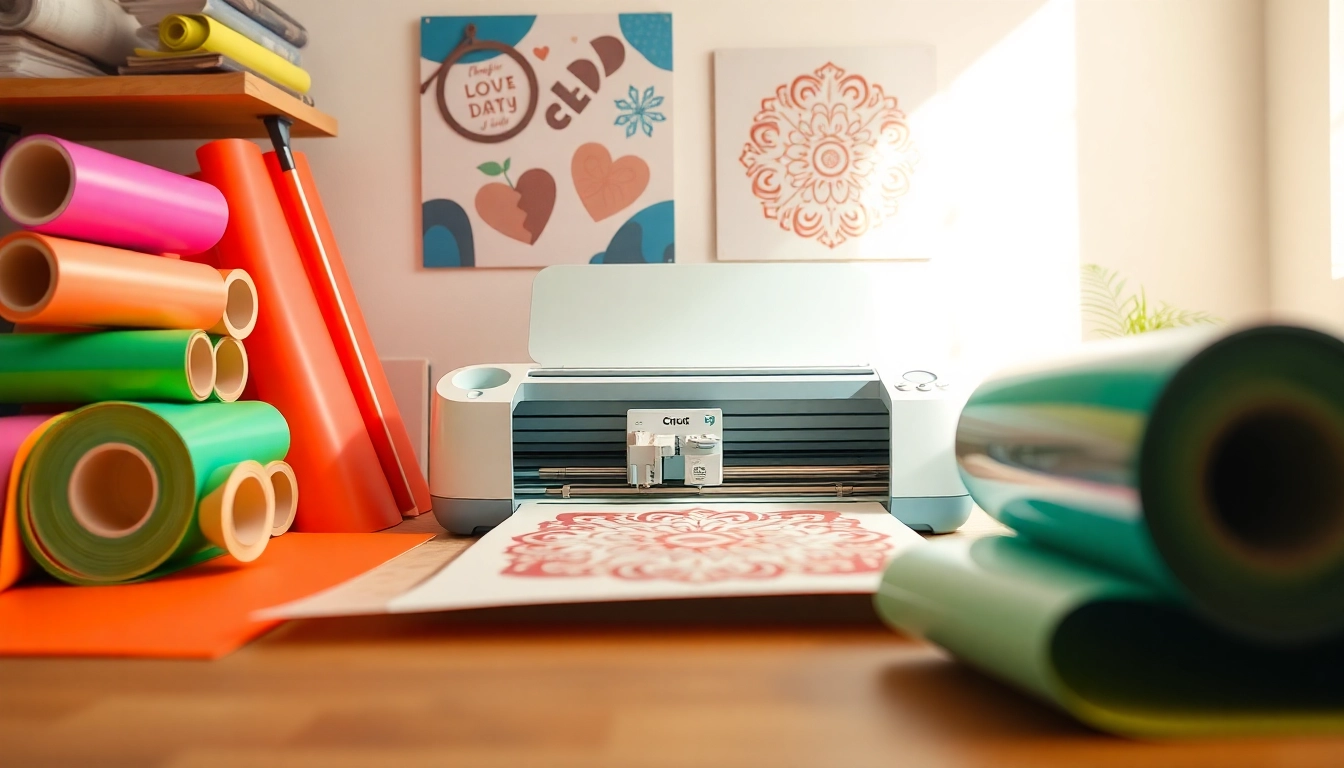
Understanding Cricut SVG Files
If you're diving into the world of Cricut and crafting, understanding Cricut SVG files is essential. These vector files are at the heart of what makes your Cricut machine versatile and powerful. Whether you're a seasoned crafter or just starting, being knowledgeable about SVG files can elevate your crafting experience significantly. This guide will walk you through everything you need to know about Cricut SVG files, from their definition to advanced techniques for getting the most out of your designs.
What are Cricut SVG Files?
Cricut SVG files are a type of vector graphic format that stands for Scalable Vector Graphics. Unlike raster images, such as JPEG or PNG, SVG files are resolution-independent, meaning they can be scaled to any size without losing quality. This feature makes them perfect for cutting machines like Cricut, as they ensure that your designs remain sharp and clean, regardless of size. SVG files can contain simple shapes, text, and complex images, making them extremely versatile for various DIY projects.
Benefits of Using SVG Files for Your Projects
- Versatility: SVG files can be used for a wide range of projects, including vinyl decals, card making, and fabric cutting.
- Customizability: You can easily modify SVG files using design software to fit your specific crafting needs.
- High Quality: Because they are vector-based, SVG files maintain their clarity and quality at any scale.
- Ease of Use: Most cutting machines, including Cricut, are designed to work seamlessly with SVG files, making them easy to upload and cut.
- Endless Resources: There are countless free and paid SVG files available online, providing endless options for crafters.
Common Questions About Cricut SVG File Formats
Many newcomers to the Cricut crafting scene often have questions regarding SVG file formats. Some common queries include:
- Can I use SVG files in different software? Yes, SVG files can be used in various design software like Adobe Illustrator, Inkscape, and of course, Cricut Design Space.
- Are all SVG files compatible with Cricut machines? Most SVG files are compatible, but it’s important to check for compatibility issues with specific designs.
- What is the difference between SVG and other file formats? Unlike PNG or JPEG, SVG files are vector graphics, which means they can be resized without losing quality, making them preferable for cutting machines.
Finding Quality Cricut SVG Resources
Finding high-quality SVG files is crucial for your crafting success. Whether you are looking for free resources or are willing to invest in premium designs, many websites cater to Cricut users. For comprehensive insights on where to start, Cricut SVG offers a range of tutorials and resources that can help guide you to the best SVG files available.
Top Websites for Free and Paid Cricut SVG Files
Here are some of the best sources for finding both free and paid SVG files:
- Design Bundles: A platform that offers a mix of free and paid SVG files, ideal for various crafting needs.
- Etsy: A marketplace filled with unique and handmade SVG designs created by independent artists.
- SVGCuts: Offers a wide selection of SVG files for cutting machines, including free options and exclusive designs.
- Cricut Access: A subscription service provided by Cricut that grants access to thousands of SVG files.
- HelloSVG: A fantastic source for free SVG files, great for T-shirts, home decor, and more.
Evaluating the Quality of SVG Files
Not all SVG files are created equal, so it’s important to evaluate their quality before downloading. Look for files that:
- Have clean lines and smooth curves to ensure easy cutting.
- Include multiple layers for more complex designs.
- Come with commercial use licenses if you plan to sell items made with them.
How to Download Cricut SVG Files Safely
When downloading SVG files, it’s essential to do so from reputable sources to avoid malware or corrupted files. Always:
- Read reviews of the website or seller.
- Check for secure downloads (look for HTTPS).
- Use antivirus software to scan files before opening.
Creating Your Own Cricut SVG Files
If you can't find the perfect SVG file for your project, consider creating your own. This process can be incredibly rewarding and also allows for complete customization.
Tools Required for Crafting SVG Files
To create your own SVG files, you will need some design software. Popular options include:
- Adobe Illustrator: A professional-grade software widely used by designers.
- Inkscape: A free, open-source vector graphic editor that is user-friendly for beginners.
- CorelDRAW: Another powerful graphic design software that supports SVG creation.
Step-by-Step Guide to Designing SVG Files
Creating your own SVG files can be relatively straightforward. Follow these steps:
- Create a new document: Set your canvas size based on your project needs.
- Design: Use shapes, text, and images to create your design.
- Convert to paths: Ensure your design elements are converted to paths for cutting.
- Save as SVG: Export your file in the SVG format, ensuring it’s optimized for cutting.
Tips for Optimizing Your SVG Files for Better Cuts
To ensure optimal cutting with your Cricut, keep these tips in mind:
- Keep designs simple to avoid unnecessary detail that may complicate cutting.
- Use appropriate stroke widths to ensure the lines are cut correctly.
- Test your designs with different materials to gauge performance.
Advanced Cricut SVG Techniques
Once you’re comfortable with the basics, try exploring some advanced techniques to expand your crafting skills.
Combining Multiple SVG Files for Unique Projects
Combining different SVG files can create unique designs. Here’s how:
- Import multiple SVG files into your design software.
- Layer them appropriately and adjust their sizes as needed.
- Use grouping and alignment tools to ensure cohesive designs.
Using Cricut SVG with Different Materials
Experimenting with various materials can yield stunning results. Here are a few ideas:
- Vinyl: Perfect for wall decals and custom stickers.
- Cardstock: Ideal for creating intricate paper crafts and greeting cards.
- Fabric: Use SVG files for sewing projects such as appliqués.
Creating Layered SVG Designs for Depth and Dimension
Layering SVG designs adds depth to your projects. To create layered SVG files:
- Design each layer separately to ensure precise cutting.
- Use contrasting colors or materials for each layer to enhance visibility.
- Consider using foam adhesive strips for added dimension in physical projects.
Future Trends in Cricut SVG and Crafting
As technology evolves, so do the capabilities of Cricut machines and SVG files. Here are some upcoming trends to watch for.
Upcoming Features in Cricut Software for 2026
In 2026, Cricut is expected to roll out new software features that will enhance user experience and design capabilities. Anticipated improvements include:
- Enhanced AI tools for automatic design suggestions.
- More intuitive interface for easier navigation.
- Improved collaboration features for sharing designs with other users.
Innovative Crafting Techniques to Look for in 2026
Keep an eye out for emerging crafting techniques that incorporate SVG files, such as:
- 3D printing and cutting hybrid projects.
- Interactive and mixed media designs integrating technology.
- Eco-friendly materials and sustainable crafting practices.
The Rise of Eco-Friendly Cricut SVG Options
As crafting becomes more environmentally conscious, the demand for eco-friendly SVG options is rising. This includes:
- Designs that promote sustainability such as upcycled materials.
- SVG files specifically created for cutting biodegradable substances.
- Community initiatives focused on sharing eco-friendly crafting ideas.